








Concerts & Theater
A seating plan that is accurate, down to the last seat
Your visitor chooses their own seat on the seating plan and pays immediately. If you are running a series of performances, you can set up the next one in no time using a template. You can sell standing tickets or unreserved seating just as easily, without a seating plan.
Stage
For venues and series
From a single chair to a complete tour
Seat selection via Seats.io
The seating plan is available in your ticket shop, and every selected seat is immediately added to the order. You link your Seats.io account and choose the seat type for each ticket product.
Ranks and prices
A separate price for each rank, based on the pricing rules and VAT percentages that you set.
Sequences from a template
Ten performances of the same production? Using a template, the next one is ready quickly: you adjust the date and link the seating plan for that performance.
Tickets in your own design
Upload a background for your PDF tickets and give your shop the logo and color of your venue or production.
Support page per performance
Each event gets its own support page with your frequently asked questions. Visitors resend their tickets themselves from there.
Move without the hassle
If a performance is cancelled, the wizard helps you with the emails and refunds.
This is how you set it up
From seating plan to sales
-
01
Connect Seats.io
You enter your keys once in the platform settings. This links your account.
-
02
Set up your performance
Date, sales period, and your own design. You enter the Seats.io event key and select the seat type and price for each ticket product.
-
03
Get the next performance ready
Save the performance as a template. For the next one, adjust the date and enter the event key and seat types for that performance. That is all there is to it.
For concerts
When ticket sales open, your shop will remain accessible
For a popular concert, everyone wants tickets at the same time. The platform scales automatically, and with pre-registration and the virtual queue, you keep sales fair and organized.
-
Pre-registration
Fans leave their details in advance and receive a personal code. At the time of sale, their details are already filled in.
-
A fair queue
At the start, everyone waiting is assigned a random spot. You activate the queue yourself, or the platform does so if interest exceeds expectations.
-
Tickets only visible later
Lock tickets until a date of your choice, so that they are not immediately resold for a profit.
-
Safe resale
If someone is unable to attend, the ticket is resold via TicketSwap. The buyer receives a new ticket with a new barcode.
You are in the queue
1.284
people ahead of you. You don't have to do anything: as soon as it's your turn, the shop opens automatically.
Estimated waiting time: 4 minutes
Sales at the cash register
Online and at the counter in one system
The POS system runs in the browser and is located in the same backoffice as your online shop, so you see all sales in a single overview. With a receipt printer, your visitor has their ticket in hand immediately.
-
All-in-one cash register available
A device with a touchscreen and built-in printer, ready for use.
-
Roles per employee
Give cashiers and scanners access only to what they need.
Tribute Night
13-11-2027 20:15 - 13-11-2027 22:45
Theater De Kade, Rotterdam
Stalls
€ 42,50
Dress circle
€ 36,00
Upper circle
Choose your seat on the seating plan
€ 28,50
Your order
Guest list and mailings
Your guests on the list, your regular audience in your mailing list
Every performance includes guests of the artist, press, and business associates. And a new season begins with the people who came before. You don't need a separate system for either.
-
A guest list per performance
Create separate lists for the artist's guests, press, and business associates. They enter their details via a link, and you approve or reject them.
-
Ticket or check off
You choose whether a guest receives a ticket or is checked off the list at the entrance.
-
Your regular audience first
Email previous visitors as soon as a new show or a new season goes on sale, in the format of your ticket emails and with a button to your shop.
Everything about the guest listEverything about mailing lists
Presale 2027
Scheduled
12-03-2027 10:00
4.812
Recipients
0
Sent
0
Failed
Scheduling
Scheduled for
12-03 10:00
Recipients
4.812
Estimated cost
€ 240,60
4.812 × € 0,05 per delivered email
Schedule sending
For halls and stages
Your venue as a location: Earn along with every rental
Register your venue or theater as a location in SimpleTicket. A producer or promoter organizing a performance or concert at your venue can then select your location from the list. The event automatically appears in your event calendar, and you receive a kickback per ticket sold.
-
Your entire schedule in one calendar
In-house programming and rentals are listed together in your venue's general ticket shop.
-
Kickback per ticket sold
For every ticket that an external organizer sells for an event in your venue, you receive a commission.
-
Always the correct location data
Organizers select your location, so the name and address appear the same everywhere.
Event agenda
Theater De Kade
Rotterdam
do
11
Chamber music on Thursday
Own programming
vr
12
Cabaret: try-out
External organizer
za
13
Tribute Night
External organizer
zo
14
Family show
Own programming
Frequently Asked Questions
Questions from venues and producers
Do I need my own Seats.io account?
Yes. The selling party sets up an account with Seats.io themselves and creates the seating plan there. SimpleTicket connects to this via your API keys.
Do I need to set up Seats.io again for every performance?
You link your account once. For each performance, you then enter the Seats.io event key and select the seat type for each ticket product. If you work from a template, the rest is already set up, and you will have the next one configured in no time.
Can I also sell without a seating plan?
Certainly. For standing concerts or unreserved seating, you sell regular ticket products with a stock per product.
How do visitors receive their tickets?
After placing the order, they receive an email with the link to their tickets. With the Ticketkeeper integration, tickets also automatically appear in the wallet app.
What are the benefits of being registered as a location?
Events by external organizers in your venue automatically appear in your event calendar, and you receive a kickback per ticket sold for those events. This way, in addition to the venue rental, you also earn a share of the ticket sales.
Can visitors resell their tickets?
This can be done securely via the integration with TicketSwap. The new buyer receives a new ticket with a new barcode.
Solutions for
Are you organizing something else as well?
 Events & Festivals
Peak sales, multi-day tickets, and camping in one shop, without your sales grinding to a halt.
Events & Festivals
Peak sales, multi-day tickets, and camping in one shop, without your sales grinding to a halt.
 Clubs & Nightlife
Rebuilding the same setup every week? One template and your night is online in a minute.
Clubs & Nightlife
Rebuilding the same setup every week? One template and your night is online in a minute.
 You are viewing this
Concerts & Theater
Seating plans, sections, and series that are accurate, down to the last seat.
You are viewing this
Concerts & Theater
Seating plans, sections, and series that are accurate, down to the last seat.
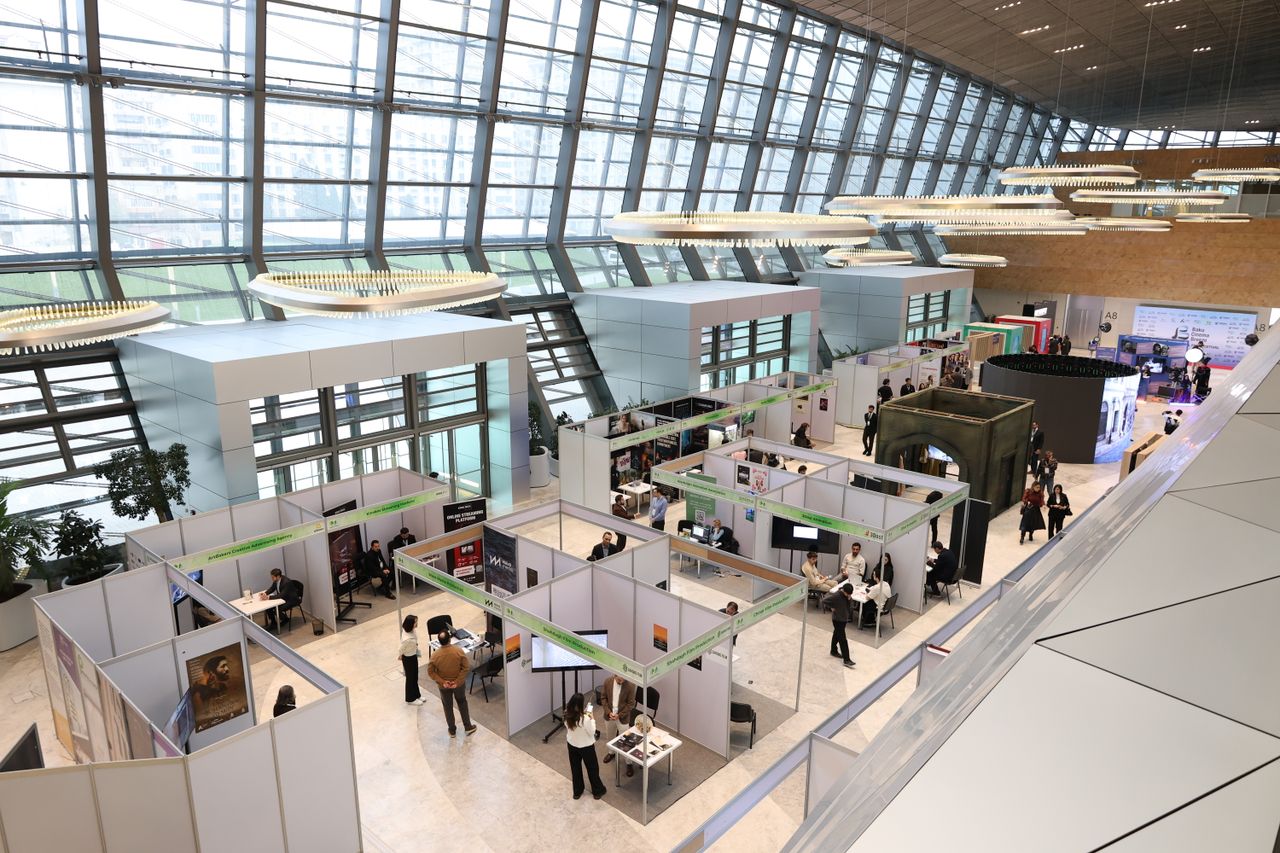 Trade Fairs & Conferences
From registration to badge at the counter, without a second system that doesn't know your data.
Trade Fairs & Conferences
From registration to badge at the counter, without a second system that doesn't know your data.
 Museums & Attractions
A shorter queue at the checkout, with online tickets in your visitor's language.
Museums & Attractions
A shorter queue at the checkout, with online tickets in your visitor's language.
 Sports & Tournaments
Participants, start numbers, and supporters arranged in a single registration.
Sports & Tournaments
Participants, start numbers, and supporters arranged in a single registration.
Is your event not listed? SimpleTicket works for any event where you sell tickets or register visitors, including a school party, neighbourhood festival or corporate event. View all options
Ready to see what SimpleTicket can do for you?
Request a demo and experience the difference for yourself.
- No subscription or setup costs
- Revenue directly into your own account
- No multi-year contract needed