




Trade Fairs & Conferences
From registration to badge, everything from one system
No separate supplier for registration and another for badges. The details from the ticket shop are ready at the counter. You check them, adjust them if necessary, and print the badge on the spot.

Technology Trade Fair 2027
March 18 and 19 · The Hague
Sanne
de Vries
Construction Group North
Visitor
For business events
What your participants fill in is on their badge
Additional questions during registration
Dietary requirements, workshop choice or a question of your own: ask open or multiple-choice questions, per order or per ticket. Company and job title are switched on in the personal details.
On-site badge printing
Scan the ticket, check the details, and the badge rolls out of the printer. On A6 paper, a Dymo sticker, or an Expobadge.
vCard QR on the badge
Whoever scans the QR code immediately adds the participant to the contacts on their phone.
Codes for exhibitors and business relations
Provide exhibitors with voucher codes for their contacts, with the discount and quantity that you determine.
Workshops and sessions
Sell sessions as your own ticket product. A limited number of selected sessions can appear as text on the badge.
Invoices via your own administration
An invoice is available for every order. With webhooks, you have your own accounting system send the invoice, also via Peppol.
At the counter
Resolve an error on the badge on the spot
In the check-in system, scan the ticket and view the participant's details. Is the job title incorrect? Adjust it and print again. The badge can show name, company, job title and ticket product. Answers to additional questions, such as dietary requirements, do not appear on it.
-
A6 on pre-printed paper
Print on (partially) pre-printed paper and slide it into a sleeve.
-
Dymo stickers
Stick the sticker onto a pre-printed cardboard or plastic badge.
-
Expobadge
Print directly on the badges you know from many trade shows.
Transaction details
Company name
First name
Surname
Email address
Ticket details
Company name
Construction Group North
First name
Sanne
Surname
de Vries
Email address
s.devries@bouwgroepnoord.nl
The morning of your event
Check-in four actions
-
01
Scan
The participant shows his ticket at the counter.
-
02
Check
Name, company, and position appear on the screen.
-
03
Correct
Adjust a given where necessary.
-
04
Print
The badge is printed immediately and the ticket is checked in.
Guests, speakers and exhibitors
Everyone who doesn't buy a ticket, still gets a badge
Speakers, exhibitors, press, and business associates do not order in your shop, but they do stand at your counter. You provide them with their own ticket product so that they are checked in and receive their badge, just like every other participant.
-
One ticket product per group
Create a separate product for speakers, exhibitors, or press. That way, you can see who is who in your figures and on the badge.
-
Send from Excel
Upload your guest list and send the tickets all at once, or send them individually as free tickets.
-
Or let them sign up themselves
With the guest list, you share a link where invitees enter their details themselves. You approve or reject them.
-
Codes for exhibitor contacts
Exhibitors receive voucher codes to invite their own contacts, in the number you determine.
Speakers and press
Technology Trade Fair 202711-06-2027
Public invitation link
shop.simpleticket.eu/guestlist/Ab12Cd34
38
Accepted
3
Awaiting
21
Checked in
Guests waiting
| Name | Channel | |
|---|---|---|
| Yara Smits | invite | |
| Thijs Visser | link | |
| Noor Bakker | link |
What is on your counter
A laptop, a scanner, and a printer: that’s all it is
You do not need a special kiosk or cash register for check-in. Each counter works with a laptop, a barcode scanner, and a printer for the badge size you choose.
-
Standard equipment
The check-in system runs in the browser. You connect the barcode scanner via USB or Bluetooth.
-
We can supply printers
For A6, Dymo stickers, or Expobadge. You choose the size to be printed per counter.
-
Registration in eight languages
For an international audience, your ticket shop is available in Dutch, English, German, French, Spanish, Italian, Polish and Portuguese.
Select badge configuration
Paper size
A6
Quantity to print
1
Font
DejaVuSans-Bold
Text color
#000000
Frequently Asked Questions
Questions from trade fair and conference organizers
Can badges be printed in advance?
Badges are always printed on-site at the time of check-in. This ensures that the latest changes are always included and that nothing is printed for those who do not show up.
Can exhibitors scan leads?
The vCard QR on the badge adds a participant directly to the phone's contacts upon scanning. There is currently no separate lead list.
Can participants pay by invoice?
Participants pay directly in the shop. An invoice is available afterwards. If you want to send invoices via your own administration or via Peppol, you forward the order using a webhook, and your own system sends an invoice that has already been paid.
How much does badge printing cost?
For badge printing, a surcharge of €0.35 per ticket with the entry scan option applies, in addition to the standard ticket rate. Materials and hardware are not included.
My exhibition is free to attend. What do I pay then?
Tickets issued via your ticket shop are subject to the standard ticket rate, even if the visitor pays nothing for them. If you use badge printing, a surcharge is added.
Which printers do I need?
For A6, a laser printer; for stickers, a Dymo LabelWriter Wireless; and for Expobadge, the corresponding printer. We can supply the printers. For automatic printing, you install a small software plugin.
Solutions for
Are you organizing something else as well?
 Events & Festivals
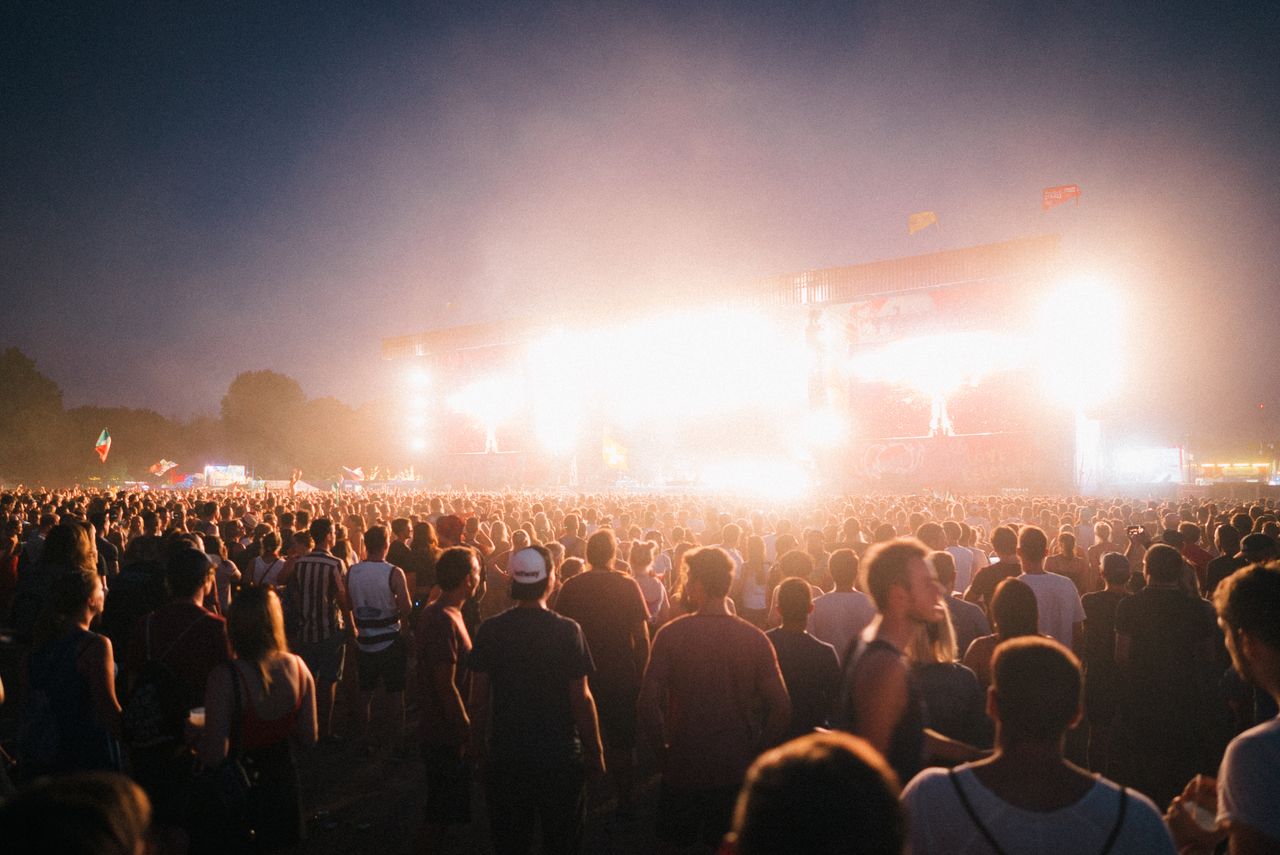
Peak sales, multi-day tickets, and camping in one shop, without your sales grinding to a halt.
Events & Festivals
Peak sales, multi-day tickets, and camping in one shop, without your sales grinding to a halt.
 Clubs & Nightlife
Rebuilding the same setup every week? One template and your night is online in a minute.
Clubs & Nightlife
Rebuilding the same setup every week? One template and your night is online in a minute.
 Concerts & Theater
Seating plans, sections, and series that are accurate, down to the last seat.
Concerts & Theater
Seating plans, sections, and series that are accurate, down to the last seat.
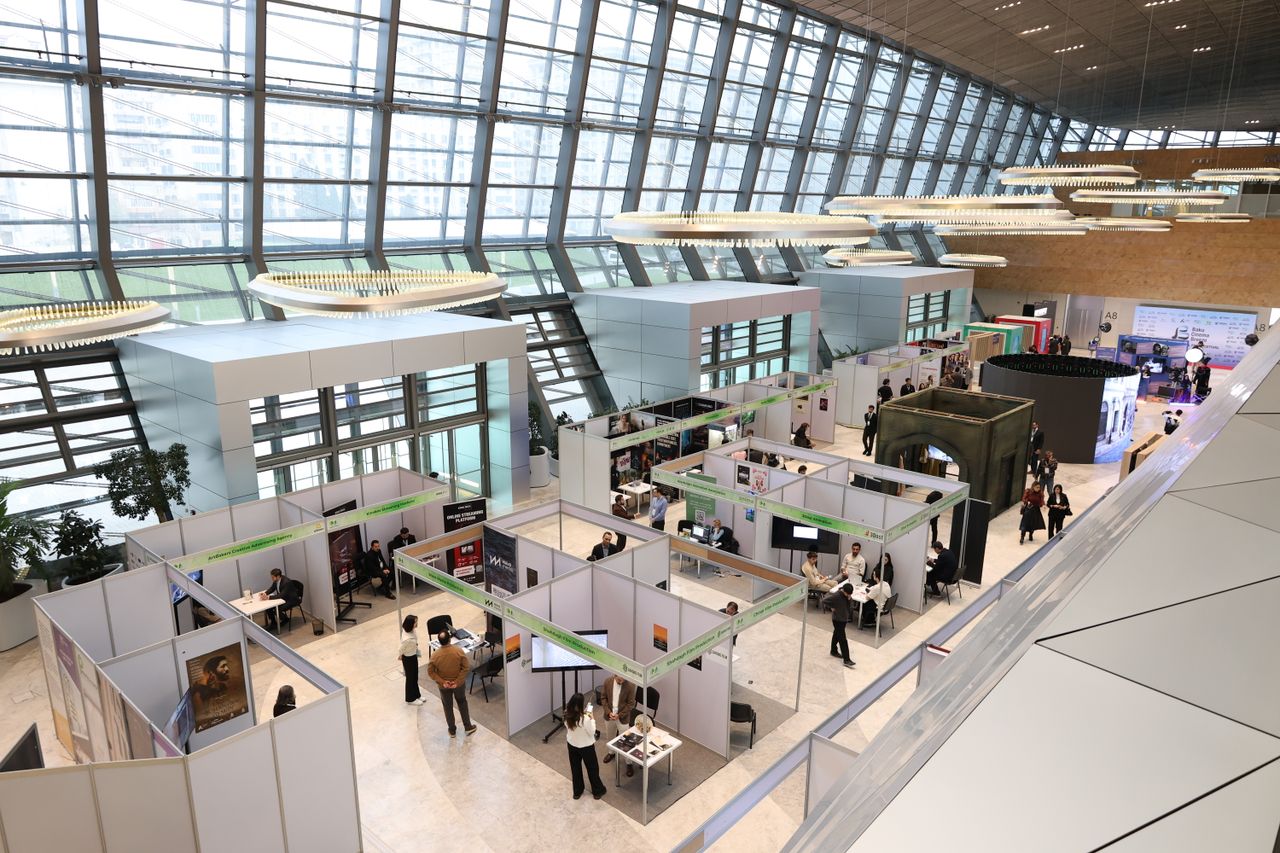 You are viewing this
Trade Fairs & Conferences
From registration to badge at the counter, without a second system that doesn't know your data.
You are viewing this
Trade Fairs & Conferences
From registration to badge at the counter, without a second system that doesn't know your data.
 Museums & Attractions
A shorter queue at the checkout, with online tickets in your visitor's language.
Museums & Attractions
A shorter queue at the checkout, with online tickets in your visitor's language.
 Sports & Tournaments
Participants, start numbers, and supporters arranged in a single registration.
Sports & Tournaments
Participants, start numbers, and supporters arranged in a single registration.
Is your event not listed? SimpleTicket works for any event where you sell tickets or register visitors, including a school party, neighbourhood festival or corporate event. View all options
Ready to see what SimpleTicket can do for you?
Request a demo and experience the difference for yourself.
- No subscription or setup costs
- Revenue directly into your own account
- No multi-year contract needed