








Sports & Tournaments
Registrations and tickets for sports events, from race number to grandstand
For a run or tour, participants register and automatically receive a start number. For a race or tournament, you sell admission, with or without a reserved seat in the stands. Everything in the same shop.
City Run 2027
18-04-2027 09:00 - 18-04-2027 15:00
Malieveld, The Hague
10 kilometers
Includes race number.
€ 22,50
5 kilometers
€ 17,50
Business run
Price per person, per team of 5.
€ 25,00
Your order
For running, cycling and tournaments
Fewer lists, more competition
Automatic race numbers
The platform assigns a race number with the order. For each ticket product, you set the starting number, for example 1001 for the 10 kilometers.
Questions per participant
Shirt size, club, expected end time: ask the question per ticket, with open or multiple-choice answers.
Register per team, each person by name
Sell a ticket product in fixed quantities, for example in sets of five. The captain orders all at once and then puts each entry in the name of a teammate.
Distances as ticket products
Create a product for each distance or category with its own price, stock, and registration period.
Parking and bus transport
Sell parking and bus tickets together in the same order, each with its own scan.
Early bird rate that expires automatically
If the early bird spots are almost sold out, the regular rate will automatically appear in the shop.
Mailing lists for the next edition
Last year's participants are your first registrants this year. Send them a message as soon as registration opens.
Read morePre-registration and queue
Gather interested parties before registration opens. If your event fills up quickly, the queue distributes the spots fairly.
Participant list as Excel
Download all entries with answers, or send them to your timekeeping system via a webhook.
This is how a registration works
From registration to starting corral
-
01
Choose distance or category
The participant selects their ticket product and the quantity.
-
02
Fill in the details
Name, date of birth and the extra questions you have set.
-
03
Receive ticket and race number
Immediately after payment, by email and in the wallet app.
-
04
Check in on the day itself
When picking up your race number, scan the ticket. This way, you know exactly who is at the start.
Volunteers and officials
One hundred volunteers, one list that is correct
A run or tournament relies on volunteers, judges and officials. With the guest list, you create a separate list for each group and send out the link. Everyone enters their own details, and you know in advance who is coming.
-
A list per group
Course marshals, judges, first aid, and setup each in a separate list, with only the details you need for that group.
-
The briefing in the confirmation
Include reporting time, postal address, and instructions in the acceptance email. Those you accept will receive them automatically.
-
Check in on the day itself
Tick off volunteers upon arrival, or give them a ticket that is scanned at the entrance.
Volunteer course
City Run 202718-04-2027
Public invitation link
shop.simpleticket.eu/guestlist/Ab12Cd34
38
Accepted
3
Awaiting
21
Checked in
Guests waiting
| Name | Channel | |
|---|---|---|
| Yara Smits | invite | |
| Thijs Visser | link | |
| Noor Bakker | link |
For matches with spectators
From a single match to a season ticket
Football, hockey, basketball, or a multi-day tournament: you sell admission per match, or give your regular supporters a single ticket that allows them entry to every home game.
-
Stands with seating selection
Display your stand as a seating plan via Seats.io. The supporter chooses their own section and seat.
-
A ticket for the entire season
Turn it into a season ticket: the ticket becomes valid again for every matchday, once per match. The supporter keeps the same ticket on their phone for the entire season.
-
Can be resold in your name and safely.
Put tickets in the supporter's name. If someone is unable to attend, the resale will go through TicketSwap, with a new ticket for the buyer.
-
Ticket office at the gate
Those who arrive on the match day itself buy their ticket at the box office and have it in hand immediately.
Field
Frequently Asked Questions
Questions from sports organizers
Can a participant transfer their registration?
Yes. You determine until what point that is possible, for example, until the race numbers go to the printer. After that, the participant list is finalized. We will discuss with you in advance what suits your event.
How are race numbers assigned?
Automatically, at the time of ordering. You enable the option on the ticket product and set the starting number there yourself. This way, you give each distance or category its own sequence.
Can I set a minimum age?
Yes. If you set a minimum age, it is clearly displayed in the shop and the shop performs an initial check on the entered date of birth. A participant can enter a different date, so the verification on the day itself remains with you.
Can I sell a season ticket?
There is no separate product called a season ticket; instead, you build it using a pass. The ticket then becomes valid again for every matchday, ensuring the supporter enters once per match and keeps the same ticket for the entire season. If you want holders to request a separate ticket for each match, this is possible using a personal voucher code.
Can I send free registrations?
Yes, individually or in bulk using an Excel template. For free tickets, a fair use policy of 10 percent of your sold tickets per month applies, with a maximum of 300.
Can I link the data to my time tracking?
With webhooks, you forward every registration directly to another system. Additionally, you download the list as an Excel file.
Solutions for
Are you organizing something else as well?
 Events & Festivals
Peak sales, multi-day tickets, and camping in one shop, without your sales grinding to a halt.
Events & Festivals
Peak sales, multi-day tickets, and camping in one shop, without your sales grinding to a halt.
 Clubs & Nightlife
Rebuilding the same setup every week? One template and your night is online in a minute.
Clubs & Nightlife
Rebuilding the same setup every week? One template and your night is online in a minute.
 Concerts & Theater
Seating plans, sections, and series that are accurate, down to the last seat.
Concerts & Theater
Seating plans, sections, and series that are accurate, down to the last seat.
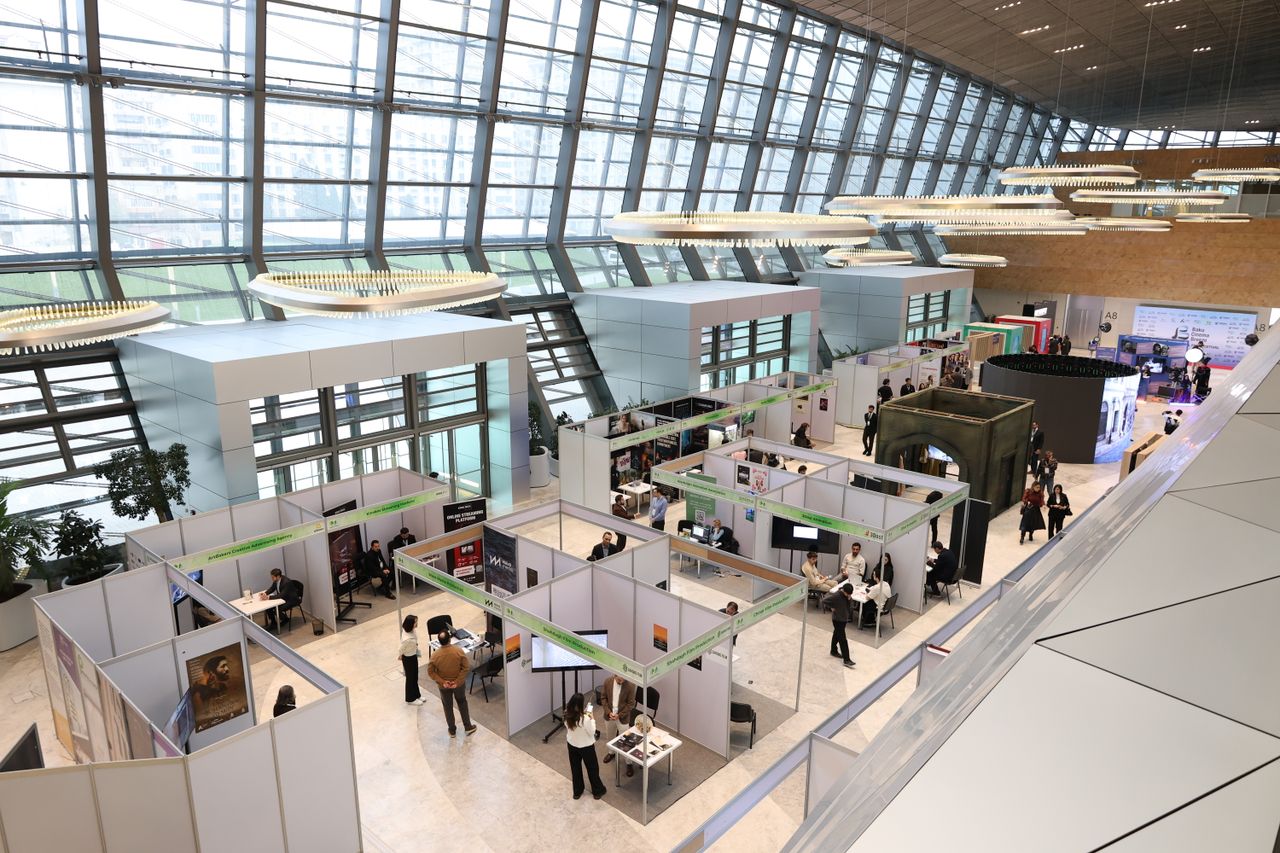 Trade Fairs & Conferences
From registration to badge at the counter, without a second system that doesn't know your data.
Trade Fairs & Conferences
From registration to badge at the counter, without a second system that doesn't know your data.
 Museums & Attractions
A shorter queue at the checkout, with online tickets in your visitor's language.
Museums & Attractions
A shorter queue at the checkout, with online tickets in your visitor's language.
 You are viewing this
Sports & Tournaments
Participants, start numbers, and supporters arranged in a single registration.
You are viewing this
Sports & Tournaments
Participants, start numbers, and supporters arranged in a single registration.
Is your event not listed? SimpleTicket works for any event where you sell tickets or register visitors, including a school party, neighbourhood festival or corporate event. View all options
Ready to see what SimpleTicket can do for you?
Request a demo and experience the difference for yourself.
- No subscription or setup costs
- Revenue directly into your own account
- No multi-year contract needed